1. Start a project and link your video
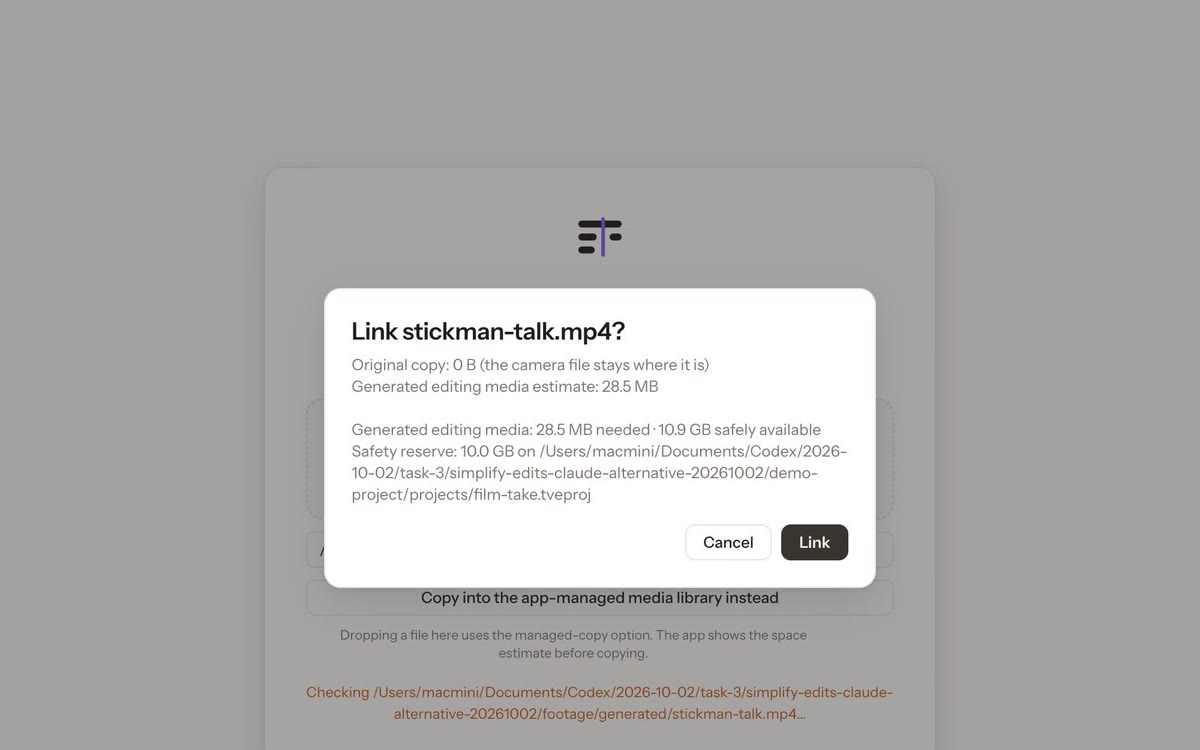
Create a project and choose Link original video. Linking keeps your camera file where it is: the app reads it and never modifies it. MP4, MOV, M4V and WebM are accepted. You can copy it into the app’s media library instead if you prefer.
2. Get a transcript
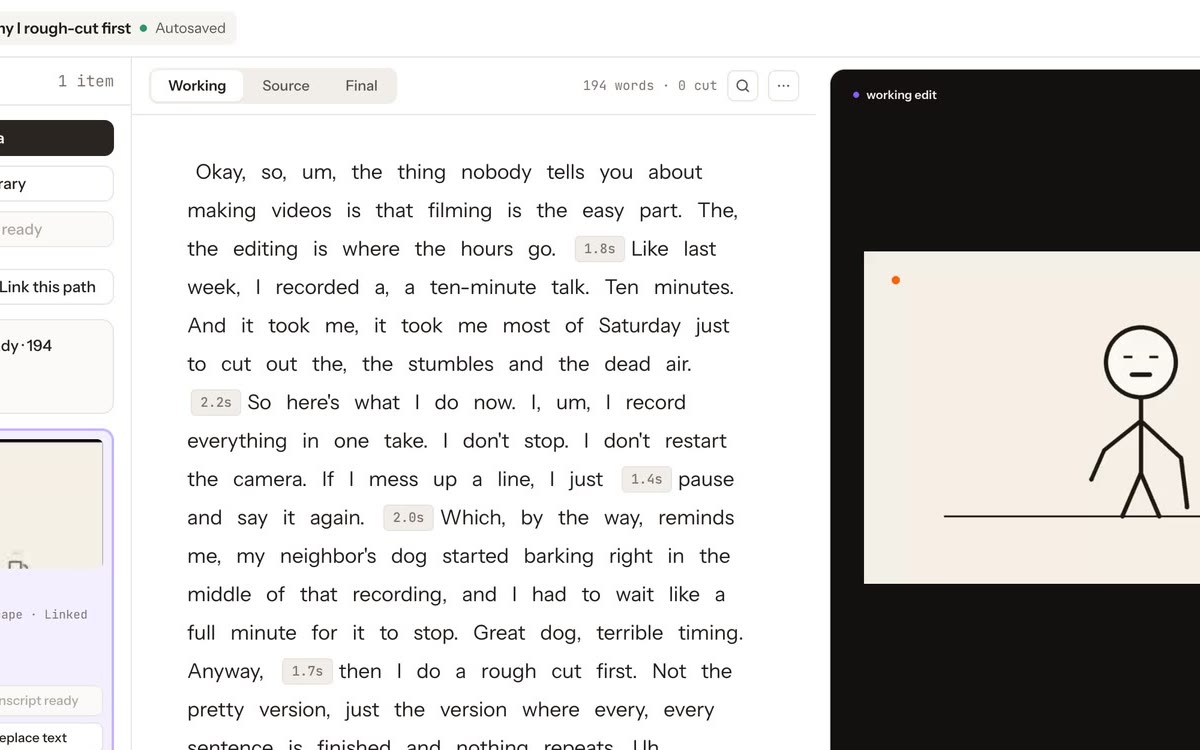
The current build transcribes with ElevenLabs speech-to-text: the audio is processed by ElevenLabs (only a 16 kHz mono audio track, not your original video) and the word-timed transcript is saved in the project. Local transcription is coming soon. In the recording, the transcript appeared 7.7 seconds after linking a 70-second clip.
The current build reads your ElevenLabs API key from your local environment or key file. Keep the key private. ElevenLabs bills transcription separately under your account.
3. Read the three views
- Working: your edit as it plays.
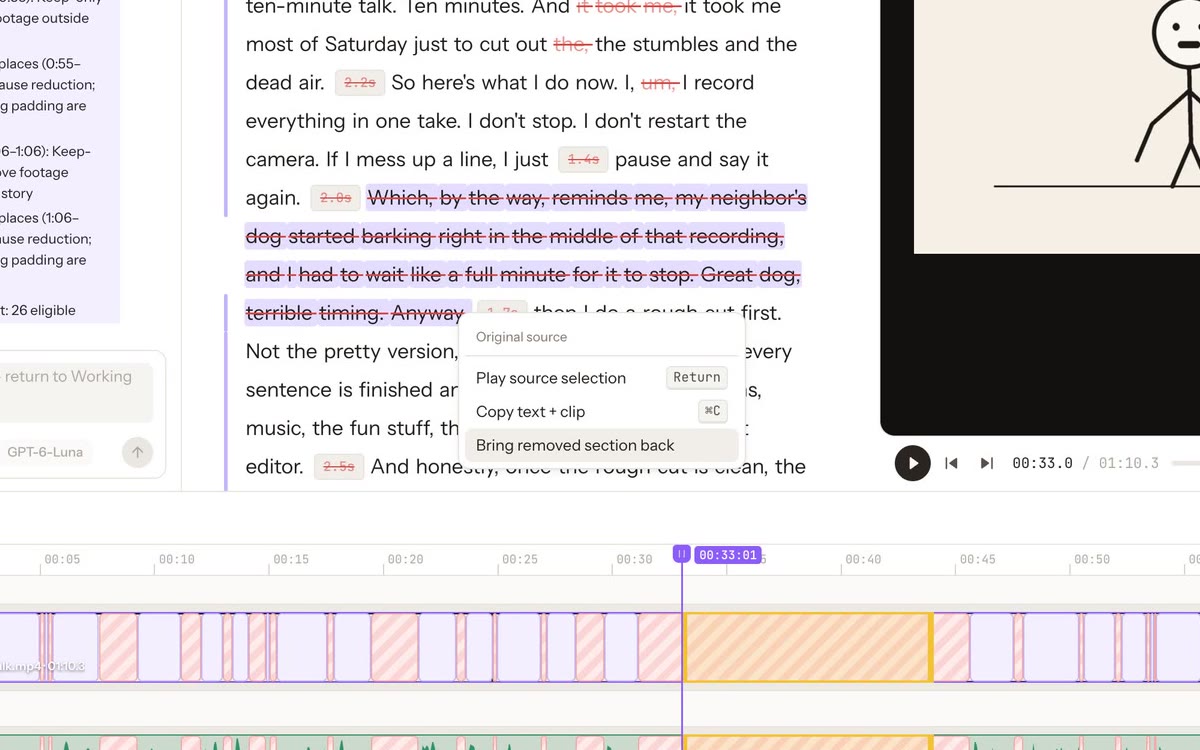
- Source: everything recorded; removed words are crossed out but still there.
- Final: a read-only view of the result.
4. Remove words, and bring them back
Select words in the transcript and remove them from the right-click menu; the timeline closes the gap. To restore, switch to Source, select the crossed-out words and choose Bring removed section back. Only the words you selected come back.